Welcome to Trident Information Systems!
Write us to - info@tridentinfo.com
Let's Socialize

Business Central Implementation

Business Central Implementation

microsoft-dynamics-365-business-central-partner-in-uk

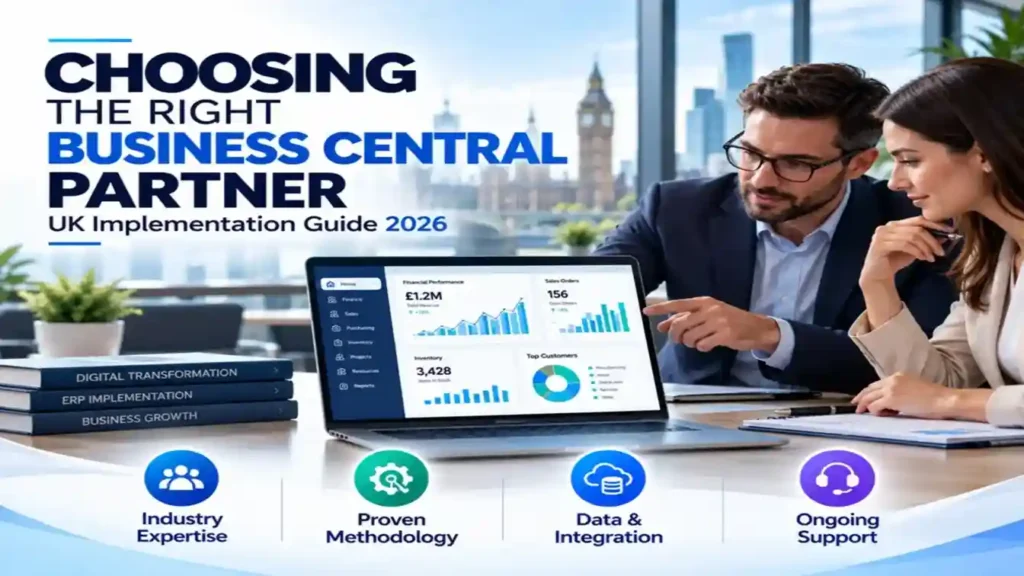
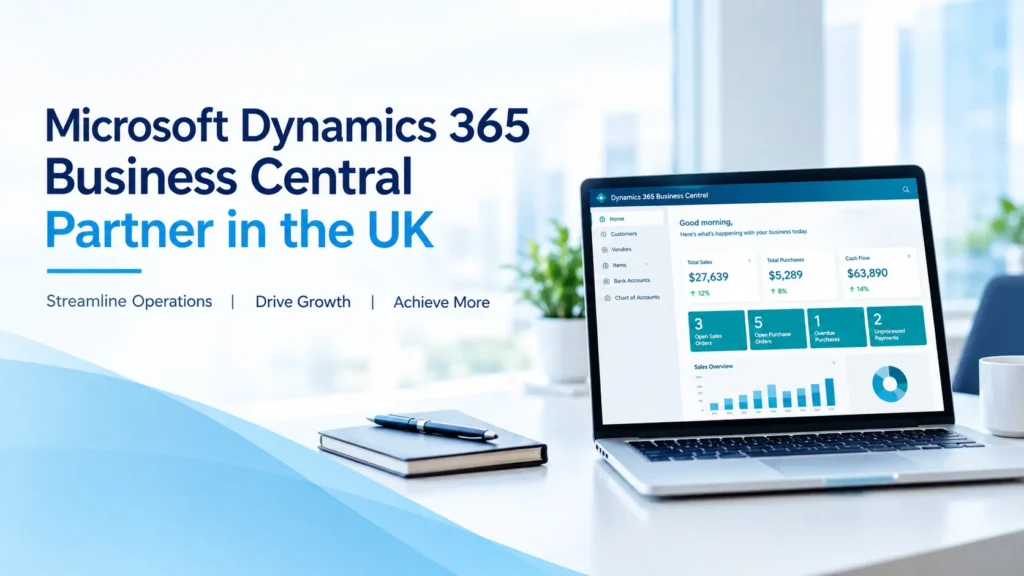
Microsoft Dynamics 365 Business Central Partner in the UK: Implementation, Migration & Support Services

Looking for a Microsoft Dynamics 365 Business Central Partner in the UK? Trident Information Systems UK helps businesses implement, migrate, customise, integrate, and support Microsoft Dynamics 365 Business Central. With 26+ years of ERP and IT consulting experience, Trident provides end-to-end Business Central services for UK organisations, from initial ERP assessment and solution design through implementation, data migration, integrations, training, go-live, and ongoing support. Trident also helps businesses running legacy Microsoft Dynamics NAV modernise their ERP environment by migrating to Dynamics 365 Business Central. Quick Answer: Who Is a Business Central Partner in the UK? A Microsoft Dynamics 365 Business Central partner in the UK is an ERP consulting and implementation company that helps businesses deploy, customise, migrate to, and support Microsoft Dynamics 365 Business Central. Trident Information Systems UK provides Business Central services, including: Trident’s UK operation is based in Manchester, supporting businesses across the United Kingdom. What Is Microsoft Dynamics 365 Business Central? Microsoft Dynamics 365 Business Central is Microsoft’s cloud-based ERP solution designed to help small and mid-sized organisations manage finance, sales, purchasing, inventory, projects, supply chain, and other core business processes in one connected system. Business Central can help organisations replace disconnected spreadsheets, legacy ERP applications, and multiple standalone business systems with an integrated business management platform. Core Business Central capabilities include: Financial Management Sales Management Purchasing Inventory Management Supply Chain Management Manufacturing Depending on the organisation’s requirements, Business Central can support: Project Management Business Central can also support: Why Do UK Businesses Choose Business Central? Businesses often consider Business Central when their existing systems are becoming difficult to manage or are no longer providing sufficient visibility. Common challenges include: Disconnected systems → duplicated data Spreadsheets → manual processes Legacy ERP → difficult upgrades Limited reporting → delayed decisions Manual finance → slower month-end Poor inventory visibility → working-capital pressure Multiple applications → integration complexity Business Central provides an opportunity to bring finance and operations onto a more connected ERP platform. For growing UK organisations, this can provide a foundation for standardisation, automation, reporting, and future expansion. Trident Information Systems UK – Business Central Partner Trident Information Systems provides Microsoft Dynamics ERP consulting and implementation services and has more than 26 years of ERP experience. Its Business Central capabilities cover the complete ERP lifecycle: Assess → Plan → Design → Implement → Migrate → Integrate → Train → Go Live → Support → Optimise This means organisations can work with Trident not only for an initial Business Central implementation but also for ongoing ERP improvement. Microsoft Dynamics 365 Business Central Services in the UK 1. Business Central Consulting Selecting and implementing an ERP system starts with understanding the business. Trident can help organisations assess: The outcome is a Business Central roadmap aligned with business priorities. 2. Business Central Implementation A successful Business Central implementation should be based on business processes rather than simply replicating an existing system. Trident’s implementation services can cover: Business Requirements: Understanding how the organisation currently operates and identifying improvement opportunities. Solution Design: Designing the Business Central solution around finance, sales, purchasing, inventory, manufacturing, projects and other requirements. Configuration: Configuring Business Central functionality according to the agreed solution design. Customisation: Developing extensions and other required functionality where standard Business Central capabilities do not meet specific requirements. Data Migration: Migrating relevant master and transactional data from legacy systems. Integration: Connecting Business Central with other business applications. Testing: Validating processes, data, and integrations before go-live. Training: Preparing finance, operations, sales, procurement, and other users. Go-Live: Supporting deployment and transition into the production environment. Post-Go-Live Support: Providing support and optimisation after implementation. 3. Microsoft Dynamics NAV to Business Central Migration One of the most important Business Central opportunities in the UK is Dynamics NAV migration. Many organisations have invested years in Microsoft Dynamics NAV, including customisations, integrations, reports, and historical data. Moving to Business Central requires more than simply transferring the database. A NAV migration should assess: Trident helps organisations assess their existing NAV environment and develop a migration strategy for moving to Dynamics 365 Business Central. NAV to Business Central migration can include: 1. NAV assessment: Review the current ERP environment. 2. Customisation assessment: Identify functionality that needs to be replaced, redesigned or retained. 3. Data assessment: Determine which data should move to Business Central. 4. Solution redesign: Identify opportunities to use standard Business Central functionality. 5. Development: Build required extensions and integrations. 6. Data migration: Move required master and historical data. 7. Testing: Validate processes, integrations, and migrated data. 8. Training: Prepare users for the new Business Central environment. 9. Go-Live: Transition operations to Business Central. 10. Support: Provide post-migration assistance and optimisation. 4. Business Central Upgrade Services Businesses already using Business Central may need help with: Trident can help organisations maintain and modernise their Business Central environment as their business requirements evolve. 5. Business Central Customisation Every organisation has unique processes. However, excessive ERP customisation can make future upgrades expensive and complicated. Trident’s approach can focus on using standard Business Central functionality wherever practical, while developing extensions where a genuine business requirement exists. Customisation can include: The objective is to create a Business Central solution that fits the organisation without creating unnecessary technical complexity. 6. Business Central Integration Business Central often needs to exchange information with other applications. Trident can help integrate Business Central with systems such as Integration can help reduce duplicate data entry and create a more connected operational environment. 7. Business Central Support in the UK Going live with Business Central does not mean the ERP project is finished. Users may need support with: Trident provides Business Central support and managed services for organisations that require ongoing ERP expertise. Support models can be structured around the organisation’s requirements, including dedicated, shared, and incident-based support. 8. Business Central Managed Services A Business Central managed service model can provide organisations with ongoing access to ERP expertise without building a large internal Dynamics team. A managed service can include: This is particularly useful for businesses that have Business Central in production but

Microsoft Dynamics 365 Business Central Partner in the UK: Implementation, Migration & Support Services Read More »

Copilot in Business Central automating tasks and improving productivity with AI-powered insights.

The Secret Side of Copilot in Business Central: 9 Features That Drive Real Productivity

You’re using Copilot in Business Central – but are you using it to its full potential? Most users barely scratch the surface of what this AI assistant can actually do. In this guide, we’ll uncover 9 hidden features that will transform how you work daily. Most Business Central users think Copilot is just for chat. Wrong. These 9 hidden features automate repetitive tasks, accelerate workflows, and save 15+ hours per week – but 80% of users don’t know they exist. Everyone knows Copilot can answer questions. “Show me last quarter’s revenue.” “Who’s our top vendor?” Basic stuff. But that’s just the tip of the iceberg. Microsoft Business Central’s Copilot has nine lesser-known capabilities that transform how finance teams, accountants, and operations managers work. We’re talking about features that automatically reconcile bank transactions, generate entire journal entries from natural language, analyze vendor payment patterns, and even predict cash flow risks – all without writing a single formula or report. This isn’t theoretical. Companies using these features report 15-25 hours saved per week across their finance teams. The catch? Most users don’t know these capabilities exist because they’re not surfaced in the obvious places. Copilot in Business Central: 9 Secrets Microsoft Doesn’t Tell You Most users barely scratch the surface of what Copilot in Business Central can actually do. After deep testing, we’ve uncovered 9 hidden features that drive real productivity – and most of them aren’t even mentioned in Microsoft’s official documentation. Let’s fix that. Here are the 9 secret Copilot features you should be using today. 1. Intelligent Bank Reconciliation Matching Stop manually matching transactions – let Copilot do it with 95%+ accuracy The Old Way (Painful) You import 500 bank transactions. Now you manually scroll through open invoices and payments, trying to match “ACH PMT 1234” to “Invoice #INV-5678” while cross-referencing amounts, dates, and vendor names. Takes hours. Mistakes happen. Month-end closes are delayed. The Copilot Way (Effortless) Copilot uses AI pattern recognition to automatically match bank transactions to open entries based on: How to Use It Time Saved 2-4 hours per bank reconciliation (typical 500-transaction import). On monthly basis: 8-16 hours saved. Pro Tip First time using Copilot matching, expect 70-80% auto-match rate. After 3-4 months of “training” (Copilot learning from your approvals/corrections), accuracy jumps to 90-95%. The AI literally gets smarter the more you use it. 2. Natural Language Journal Entry Creation Describe what you want in plain English – Copilot writes the journal entry What It Does Instead of manually creating general journal entries (selecting accounts, entering debits/credits, balancing), you just tell Copilot what happened in plain language. Real Examples Example 1: Simple Expense You type: “Record $1,500 office supplies purchase paid by corporate credit card” Copilot creates: Debit: Office Supplies Expense (6200) – $1,500Credit: Credit Card Payable (2100) – $1,500 Example 2: Complex Transaction You type: “Prepaid annual insurance of $12,000 starting January 1, amortize monthly” Copilot creates: Debit: Prepaid Insurance (1300) – $12,000Credit: Cash (1000) – $12,000 Plus: Sets up recurring monthly journal to expense $1,000/month Example 3: Accrual Entry You type: “Accrue $8,500 for consultant services received in December but not yet invoiced” Copilot creates: Debit: Consulting Expense (6400) – $8,500Credit: Accrued Expenses (2300) – $8,500 What Makes This Powerful Time Saved 5-10 minutes per complex journal entry. For teams posting 20-30 manual entries per month: 2-5 hours saved. Important Always review Copilot-generated entries before posting. While accuracy is high (90%+), AI can misinterpret ambiguous descriptions. Think of Copilot as a smart assistant, not a replacement for accounting judgment. 3. Vendor Payment Pattern Analysis Uncover hidden insights about vendor relationships and payment behavior What It Reveals Copilot analyzes your entire vendor payment history and surfaces patterns you’d never spot manually: Early Payment Opportunities Identifies vendors offering 2/10 Net 30 terms where you’re consistently missing the discount. Late Payment Risk Flags vendors where you’re frequently paying late, risking late fees or damaged relationships Duplicate Payments Detects potential duplicate payments (same vendor, similar amount, close dates) Spending Trends Shows vendor spending patterns over time – which vendors are growing/shrinking How to Access It In the Vendor List or Purchase Analysis pages, ask Copilot: Real Business Impact A mid-size manufacturer used Copilot vendor analysis and discovered: Total recovered/optimized in 6 months: $32,200 Time Saved 3-5 hours monthly on manual AP analytics, exception reporting, and vendor relationship reviews. 4. Smart Item Description Generation Auto-create SEO-optimized, detailed product descriptions from basic item data The Problem You have 500+ items in inventory. Half have descriptions like “Widget A” or “Part #12345” – completely useless for sales, e-commerce, or even internal staff trying to understand what they’re looking at. The Copilot Solution Select any item (or bulk-select multiple items) and Copilot generates: How to Use It Pro Tip for E-Commerce If you sync Business Central items to Shopify, WooCommerce, or other e-commerce platforms, Copilot-generated descriptions include SEO keywords and formatting that improves product page rankings. One client saw 18% increase in organic product search traffic after bulk-updating 300 item descriptions with Copilot. Time Saved 2-3 minutes per item description. For 500-item catalog: 16-25 hours total (one-time) + ongoing time saved for new items. 5. Cash Flow Forecasting & Risk Alerts Predict cash crunches before they happen – proactively manage working capital What It Does Copilot analyzes your cash position, upcoming receivables, payables, and historical patterns to forecast cash flow up to 90 days out and flag potential shortfalls. Data Sources Copilot Uses Example Alert Copilot Warning (Week of March 15): “Cash balance projected to drop below $50,000 minimum threshold on March 22. Contributing factors: $180,000 in vendor payments due March 20, while only $95,000 in receivables expected to clear before then. Consider: (1) Delay non-critical vendor payments, (2) Follow up on overdue invoices, or (3) Draw on line of credit.” Proactive Actions Copilot Suggests Time Saved 4-6 hours weekly on manual cash flow forecasting, Excel models, and scenario planning. Plus: avoids costly cash shortfalls. CFO Insight “Copilot’s cash flow alerts have caught 3 potential shortfalls this year before they became critical. We avoided $15K in emergency line-of-credit fees and maintained better vendor relationships by paying on time.” – CFO, $12M manufacturing company 6. Automated

The Secret Side of Copilot in Business Central: 9 Features That Drive Real Productivity Read More »